
A monitor stand riser looks like the simplest product on any desk accessories list: a platform, some legs, done. But walk through any office supply market and you will find risers that wobble, sag under a 27-inch screen, or trap cables in a way that makes the desk messier than before.
Whether you are buying one for your own workstation or importing a container of them for resale, the same six checks separate a riser that lasts years from one that ends up in a drawer.
1. Start with the material – it decides everything else.
Monitor risers come in three common materials: bamboo or MDF wood, plastic, and aluminum alloy. Wood looks warm but can warp in humid climates; plastic keeps costs down but flexes over time. Anodized aluminum hits the sweet spot for B2B buyers: it is rigid, corrosion-resistant, easy to keep clean, and takes laser engraving beautifully. If your customers are offices, gaming setups or gift programs, aluminum is usually the safest bet – and the finish matters as much as the material. A well-anodized surface stays fingerprint-resistant for years.
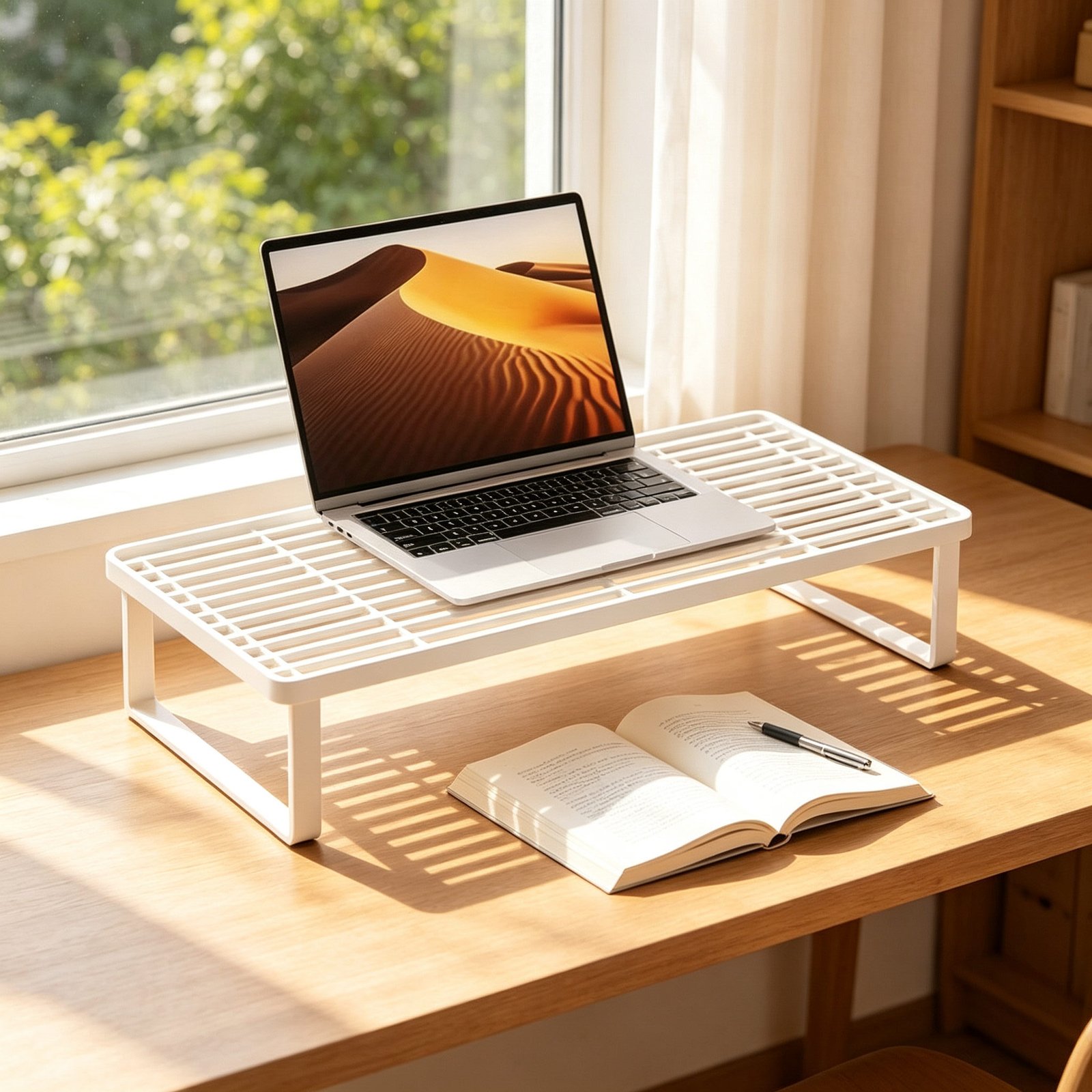
2. Check the load capacity – then double it.
A 27-inch monitor alone can weigh 5-8 kg, and users will lean on the riser, stack books on it, or put a printer on top. A riser rated for 15 kg or more gives real headroom. Press down on the corners when you test a sample: any flex or creak at the edges means the structure will not survive daily office use. This is also where cheap risers fail first – and the failure shows up in your product reviews, not the supplier’s.
3. Get the height right – eye level is the whole point.
The reason customers buy a riser is ergonomics: raising the screen so the top of the display sits at or slightly below eye level. Most standard desks need about 10-12 cm of lift to get there. Risers that are too low barely change posture; ones that are too high force people to look up. If you are comparing samples, put a real monitor on each one and sit in front of it for ten minutes – your neck will tell you the answer faster than any spec sheet.
4. Look at what is underneath – storage and cables.
The space under a riser is free real estate. The better designs let users slide a keyboard, notebook or small PC underneath, and route monitor cables through a rear slot or an open grid surface. This is where risers pair naturally with under-desk cable trays: the riser tames the top of the desk, the tray handles the run below it. If you sell desk organization products, stocking both is an easy bundle – and bundles raise your average order value.
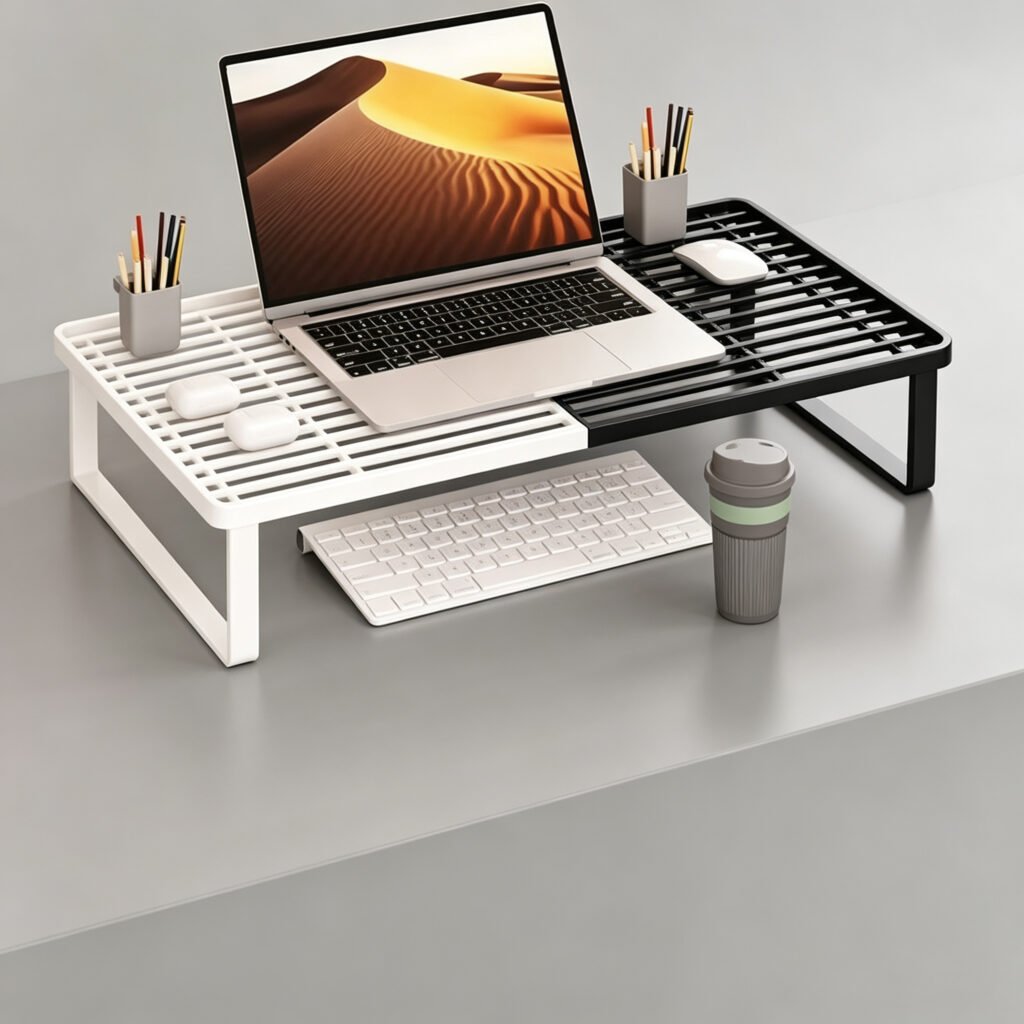
5. For B2B orders, confirm logo customization early.
If you are importing risers under your own brand, ask how the logo is applied. Laser engraving on anodized aluminum is the most durable option and photographs well for e-commerce listings; silk printing is cheaper but wears faster on surfaces people touch daily. Request photos of actual customized units – not renders – and confirm the logo position and size options before you pay the deposit.
6. Agree on MOQ, samples and terms in writing.
Factory-direct MOQs for monitor risers often start at 1,000-3,000 pcs per model, which is a lot of capital to risk on an untested SKU. Sourcing partners can usually accept 100-500 pcs by consolidating orders across buyers. Before the deposit, confirm in writing: sample lead time (7 days is a healthy benchmark), pre-shipment inspection terms, and what happens if the goods arrive defective. A supplier who is vague at the sampling stage will be vague when you have a claim.
Final thought
A monitor stand riser is a low-ticket product with a high return rate if you choose badly – wobbly risers come back, and bad reviews follow your listing for years. Spend a day on these six checks and you will save yourself a season of customer service.
If you are sourcing risers for resale or a fit-out project, check out our aluminum monitor stand riser – anodized aluminum, storage-friendly design, available with laser-engraved logos from low MOQs with 7-day sampling. For the cable side of the desk, pair it with our under-desk cable management trays, or read our guide on how to choose a laptop stand supplier if you are building out a full desk accessories line.